List Expiring/Expired Entra App Secrets Using PowerShell
Client secrets in Entra ID applications are time-bound and, if not monitored properly, can lead to application failures or security risks. This script helps administrators proactively identify: i) Expired client secrets and ii) Secrets expiring within the next 30 days. It provides a clean report for timely action and governance.
🚀 Community Edition Released!
Try the M365Corner Microsoft 365 Reporting Tool — your DIY pack with 20+ out-of-the-box M365 reports for Users, Groups, and Teams.
i) Script
# Connect to Microsoft Graph
Connect-MgGraph -Scopes Application.Read.All

Write-Host "Scanning applications for expiring/expired client secrets..." -ForegroundColor Cyan

# Threshold for expiring secrets (next 30 days)
$ThresholdDate = (Get-Date).AddDays(30)

# Get all applications with password credentials
$Applications = Get-MgApplication -All -Property Id,DisplayName,AppId,PasswordCredentials

$Results = @()

foreach ($App in $Applications) {

    if (-not $App.PasswordCredentials) {
        continue
    }

    foreach ($Secret in $App.PasswordCredentials) {

        $ExpiryDate = $Secret.EndDateTime

        # Determine status
        if ($ExpiryDate -lt (Get-Date)) {
            $Status = "Expired"
        }
        elseif ($ExpiryDate -le $ThresholdDate) {
            $Status = "Expiring Soon"
        }
        else {
            continue
        }

        # Console output (basic)
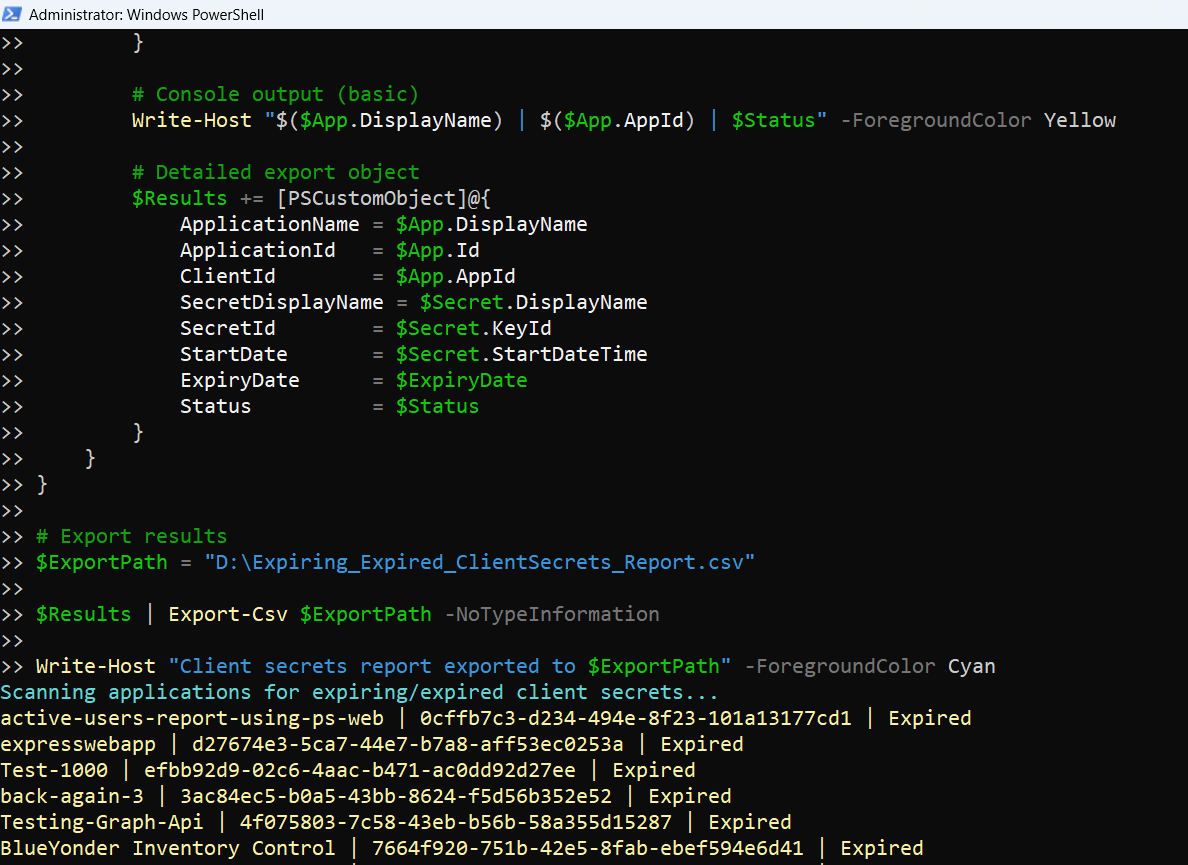
        Write-Host "$($App.DisplayName) | $($App.AppId) | $Status" -ForegroundColor Yellow

        # Detailed export object
        $Results += [PSCustomObject]@{
            ApplicationName   = $App.DisplayName
            ApplicationId     = $App.Id
            ClientId          = $App.AppId
            SecretDisplayName = $Secret.DisplayName
            SecretId          = $Secret.KeyId
            StartDate         = $Secret.StartDateTime
            ExpiryDate        = $ExpiryDate
            Status            = $Status
        }
    }
}

# Export results
$ExportPath = "C:\Path\Expiring_Expired_ClientSecrets_Report.csv"

$Results | Export-Csv $ExportPath -NoTypeInformation

Write-Host "Client secrets report exported to $ExportPath" -ForegroundColor Cyan
Download this script from our M365Corner GitHub Repo: https://github.com/m365corner/M365Corner-Scripts/tree/main/Entra-Apps-Related-Scripts/List-Expiring-Expired-Entra-App-Secrets

ii) How the Script Works
| Step | Explanation |
|---|---|
| Connect to Graph | Uses Application.Read.All to read application and secret details |
| Define Threshold | Sets a 30-day window to identify soon-to-expire secrets |
| Fetch Applications | Retrieves all apps including PasswordCredentials (client secrets) |
| Skip Apps Without Secrets | Uses continue to ignore apps without secrets |
| Loop Through Secrets | Evaluates each secret associated with an application |
| Determine Status | Classifies secrets as Expired or Expiring Soon |
| Console Output | Displays minimal details for quick visibility |
| Build Report Object | Captures secret metadata including name, ID, and expiry |
| Export to CSV | Saves the report for auditing and action |
iii) Further Enhancements
Include Certificate Credentials
- Extend script to also check: KeyCredentials (for certificate-based authentication)
Add Owner Information
- Fetch app owners to notify responsible users
Email Notifications
- Trigger alerts for:
- Expired secrets
- Secrets expiring within 7 days
Risk Categorization
- Classify secrets:
- Expired → Critical
- Expiring Soon → High
Automation
- Schedule daily runs to avoid service disruptions
iv) Frequently Asked Questions
| Question | Answer |
|---|---|
| What are PasswordCredentials? | They represent client secrets used by applications |
| Does this include certificates? | No, only client secrets (PasswordCredentials) |
| Why monitor secret expiry? | Expired secrets can break app authentication |
| Can I change the threshold? | Yes, modify (Get-Date).AddDays(30) |
v) Admin Usecases
| Use Case | Description |
|---|---|
| Prevent App Outages | Identify expiring secrets before they break apps |
| Security Audits | Detect expired secrets that should be removed |
| Compliance Checks | Ensure credential rotation policies are followed |
| Governance Reporting | Maintain visibility over application credentials |
| Incident Prevention | Avoid authentication failures due to expired secrets |
vi) Possible Errors & Solutions
| Error | Cause | Solution |
|---|---|---|
| Insufficient privileges | Missing Graph permissions |
Use: Connect-MgGraph -Scopes Application.Read.All Grant admin consent if required. |
| No results returned |
• No expiring or expired secrets • All secrets are valid beyond threshold |
• Increase threshold window • Verify applications actually use secrets |
| PasswordCredentials is empty | Application uses certificates instead of secrets | Check KeyCredentials instead. |
| Export path not found | Invalid directory |
Update path: C:\Path\Expiring_Expired_ClientSecrets_Report.csv Ensure folder exists. |
vii) Conclusion
This script provides a proactive way to monitor expiring and expired Entra ID application secrets, helping administrators:
- Prevent application downtime
- Enforce credential rotation policies
- Improve overall security posture
By regularly running this report and acting on the findings, organizations can avoid disruptions and maintain strong governance over application credentials.