In this blog, we’ll explore why user search is essential, the limitations of the Microsoft 365 Admin Center, and how our free tool simplifies attribute-based searches for admins.
Why User Search Is Critical for Admins
Admins often need to locate and manage users based on key attributes to ensure smooth operations. Here are some scenarios where attribute-based search becomes crucial:
- Department: For department-specific reporting, license assignments, or workflow management.
- Job Title: To manage organizational hierarchies, identify managers, or align teams for projects.
- Admin Roles: Quickly identify and monitor users with elevated permissions to maintain security.
- Usage Location: Ensure compliance with regional licensing rules or regulatory requirements.
Searching users based on these attributes is time-sensitive and helps maintain efficiency, accuracy, and compliance in your Microsoft 365 environment.
Limitations of Microsoft 365 Admin Center
The Microsoft 365 Admin Center offers basic user search functionality but falls short when it comes to advanced attribute filtering.
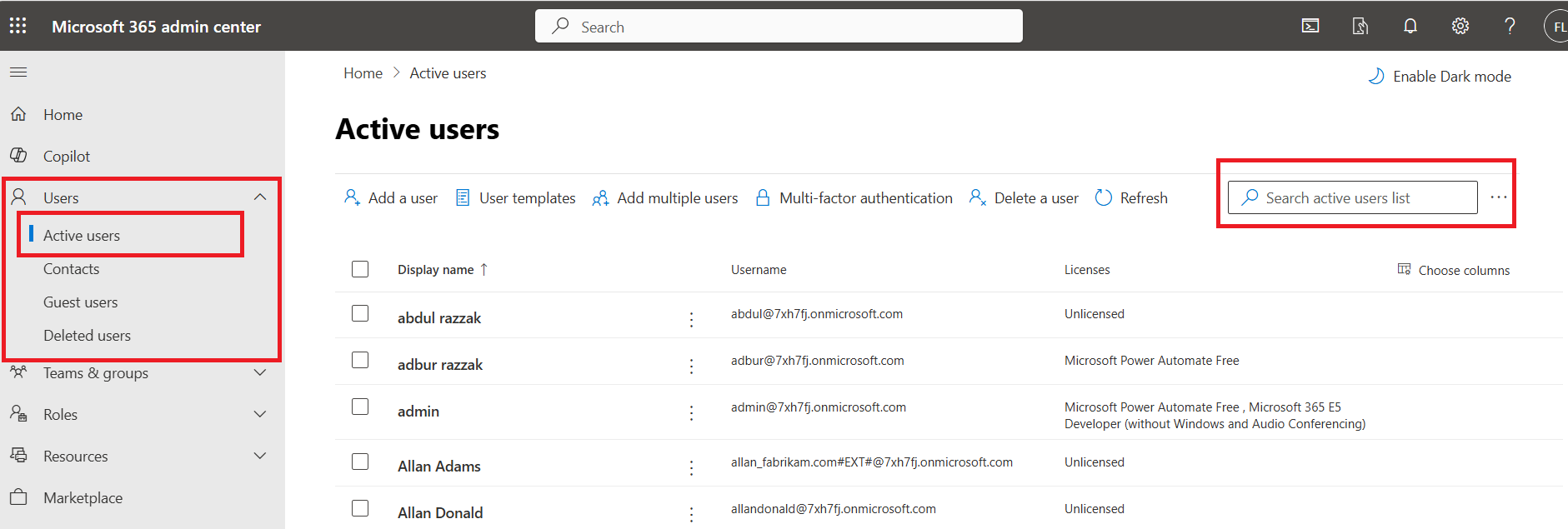
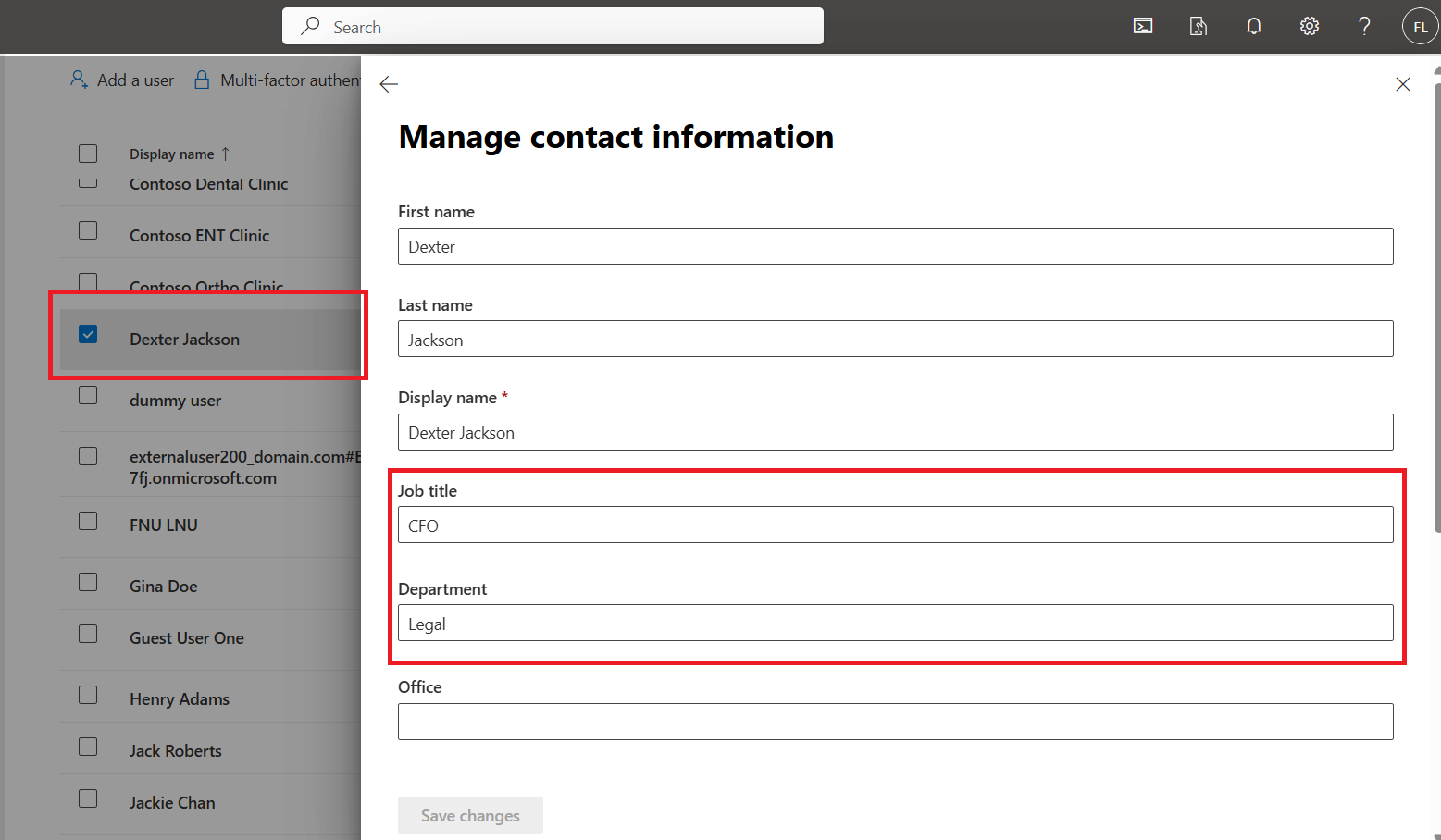
The only way to find out the user's department, job title, admin role or usage location from Microsoft 365 Admin Center is to select each and every user and view the details.
Using Graph PowerShell
The Get-MgUser cmdlet of Graph PowerShell allows you to search for users based on department, job title and usage location.
Search Users by Department
Get-MgUser -Filter "department eq 'Sales'" -Property DisplayName, Department
Search Users by Job Title
Get-MgUser -Filter "jobTitle eq 'Manager'" -Property DisplayName, JobTitle
Search Users by Usage Location
Get-MgUser -Filter "usageLocation eq 'US'" -Property DisplayName, UsageLocation
Note: Get-MgDirectoryRole when used with Get-MgDirectoryRoleMember and Get-MgUser fetches the user admin role.
The Challenge: Graph PowerShell Requires Technical Expertise
While Graph PowerShell is powerful, it comes with challenges for non-technical admins:
- Writing and running scripts can be complex for those unfamiliar with PowerShell.
- OData filters can be tricky to implement and debug.
- Installing, configuring, and maintaining the Graph PowerShell module adds overhead.
For many admins, these barriers make attribute-based user searches more difficult than they need to be.
Simplify User Attribute Based Search with Our Free Admin Tool
To address these challenges, we’ve developed a free Microsoft 365 user search tool that simplifies attribute-based searches without requiring technical skills.
Key Features of the Tool
- Attribute-Based Search: Easily search for users based on: Department, Job Title, Admin Roles, Usage Location
- User-Friendly Interface: No coding or scripting knowledge is required. Simply enter the desired attribute and get results instantly.
- Save Time and Effort: Eliminate the need for manual filtering in the Admin Center or writing complex PowerShell scripts.
- Export Reports: Download search results in CSV format for further analysis or record-keeping.
This tool helps admins save valuable time, reduce complexity, and improve overall productivity when managing users in Microsoft 365.
Try Our Free Microsoft 365 User Search Tool
Managing users in Microsoft 365 doesn’t have to be a challenge. With our free tool, you can:
- ✅ Quickly search users based on department, job title, admin roles, or usage location.
- ✅ Avoid manual filtering or writing PowerShell scripts.
- ✅ Save time and streamline user management tasks.
👉 Download our free Microsoft 365 User Search Tool now and take the hassle out of managing user attributes!
Microsoft 365 Reporting Tool Community Edition
Query your Microsoft 365 users based on their user attributes efficiently and easily — all from one place.
Download Community Edition